How can I start a reading mission?
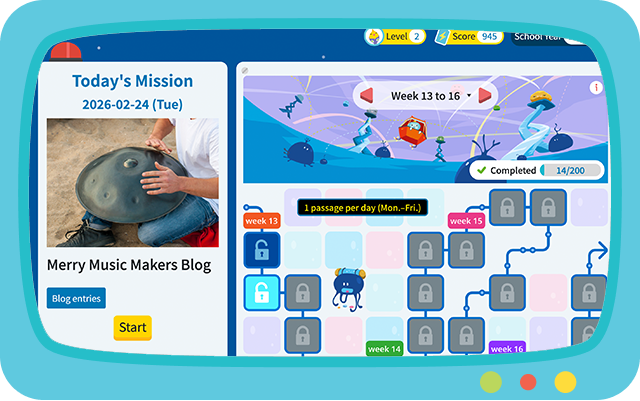
To start a reading mission, click any unlocked box on the map. After selecting it, you will see the mission details. Then you can start the reading mission. You can complete ‘Today’s Mission’ and any previous missions that have not been submitted yet.
Why can’t I start a reading mission?
A reading mission is only available after its release date. Please wait until it becomes available on the scheduled date.
Can I change my answers after submission?
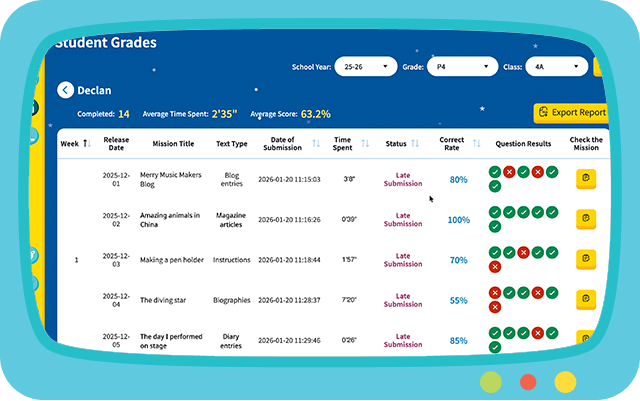
No. Each reading mission can only be completed once. However, students can review their submitted answers by selecting the passage and clicking ‘Check My Missions’.
How can I get bonus points?
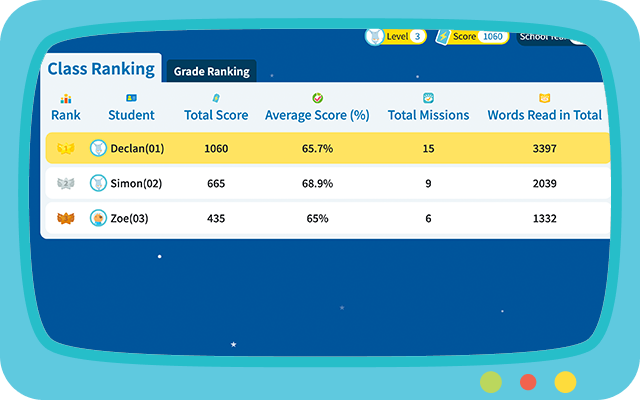
Submit the reading mission on time to earn bonus points.
How can I collect more rewards in my Collections?
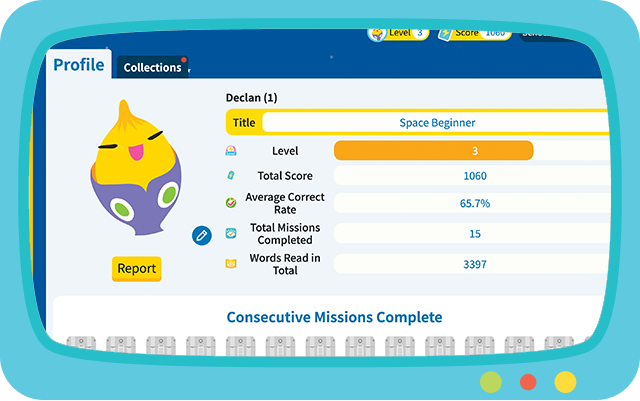
Complete missions and earn rewards by leveling up and completing a pre-set number of reading passages.
How do I switch subjects or series?
If your school has adopted more than one primary language textbook series from our Press, you will see a ‘Select a Planet’ button in the menu bar. Click this button to open the planet selection page, then choose the planet you want to use.
Need help?
Please go to ‘Support’ to contact us.