

Oxford iSolution is an e-learning platform developed by Oxford University Press (China) Ltd. It offers teachers, students, and home learners easy access to e-learning resources, e-Textbooks, interactive activities and assessment materials.
Highlights
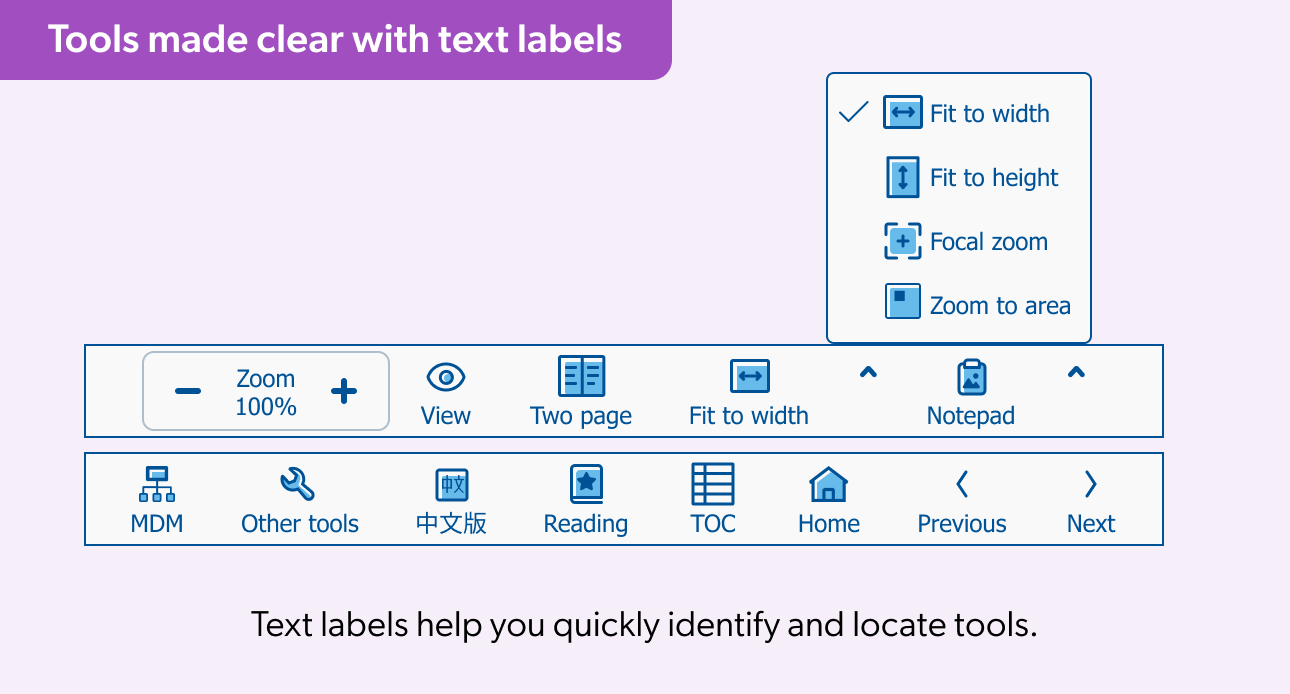
The toolbar has been redesigned to make navigation more intuitive and efficient.
- Text labels are now displayed under each toolbar icon, helping you quickly locate tools.
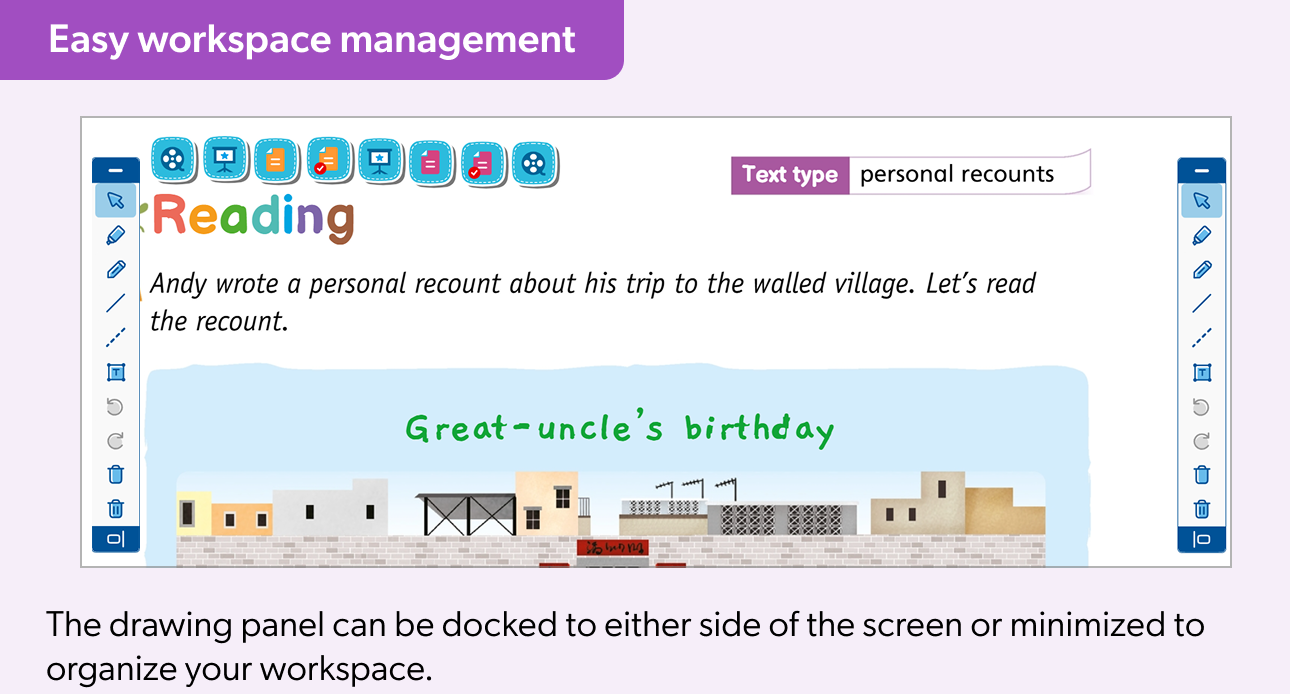
- Drawing tools are grouped into a separate floating panel, providing easier access and a cleaner workspace.
- The floating drawing panel can be aligned to either side of the screen and minimized when not in use, offering greater flexibility to organize workspace.
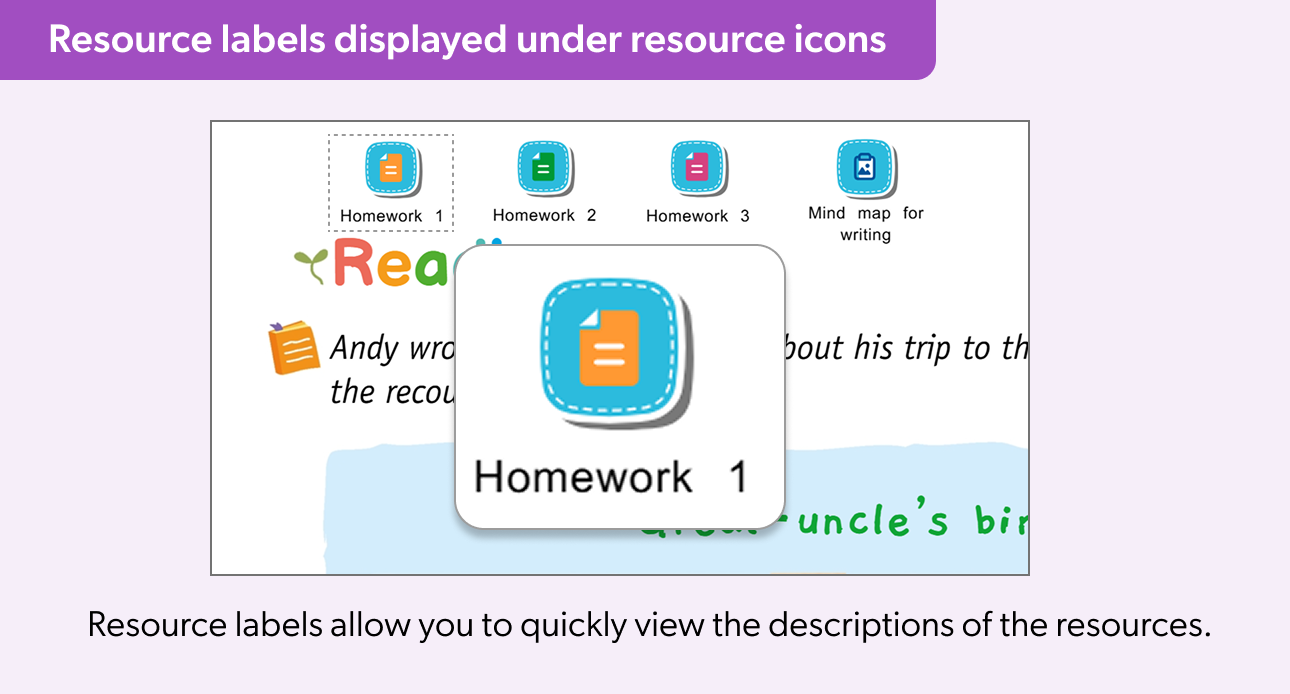
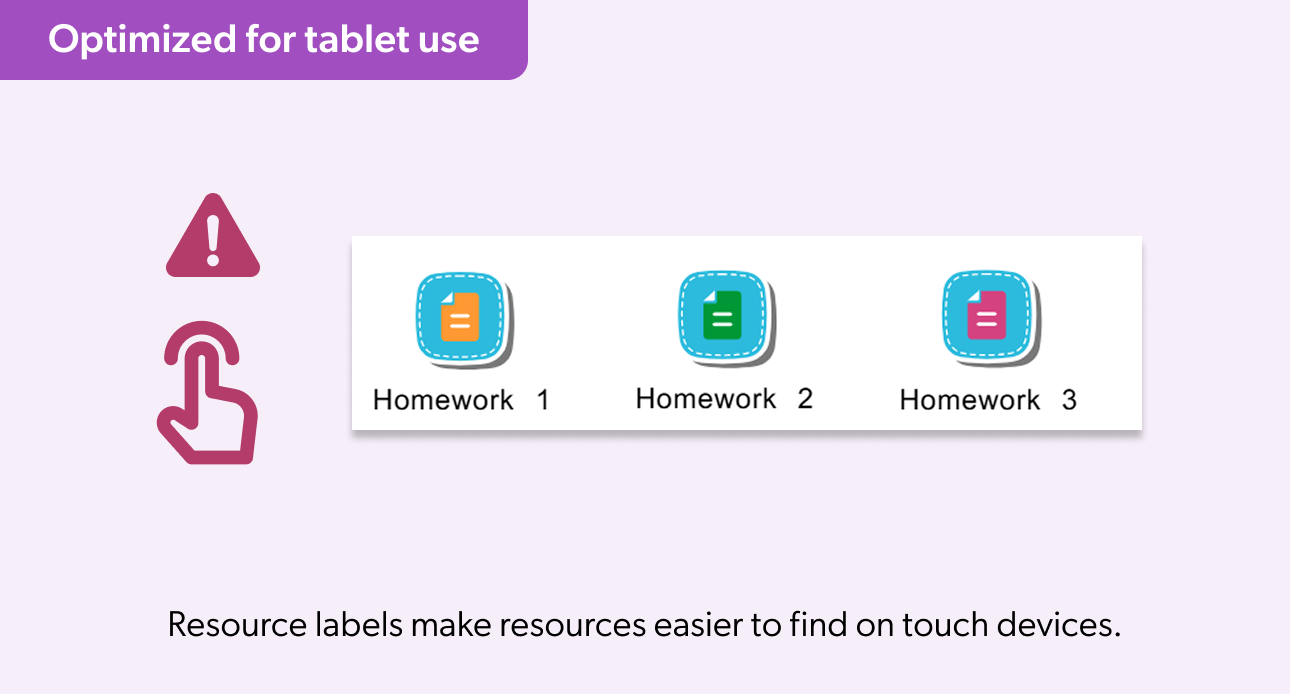
Resource labels are now displayed directly under on-page resource icons for better visibility and accessibility.
- Resource labels help you quickly identify resource types and descriptions at a glance, eliminating the need to hover for tooltips.
- Optimized for tablet use, where tooltip support is not available, ensuring a consistent user experience across all devices.
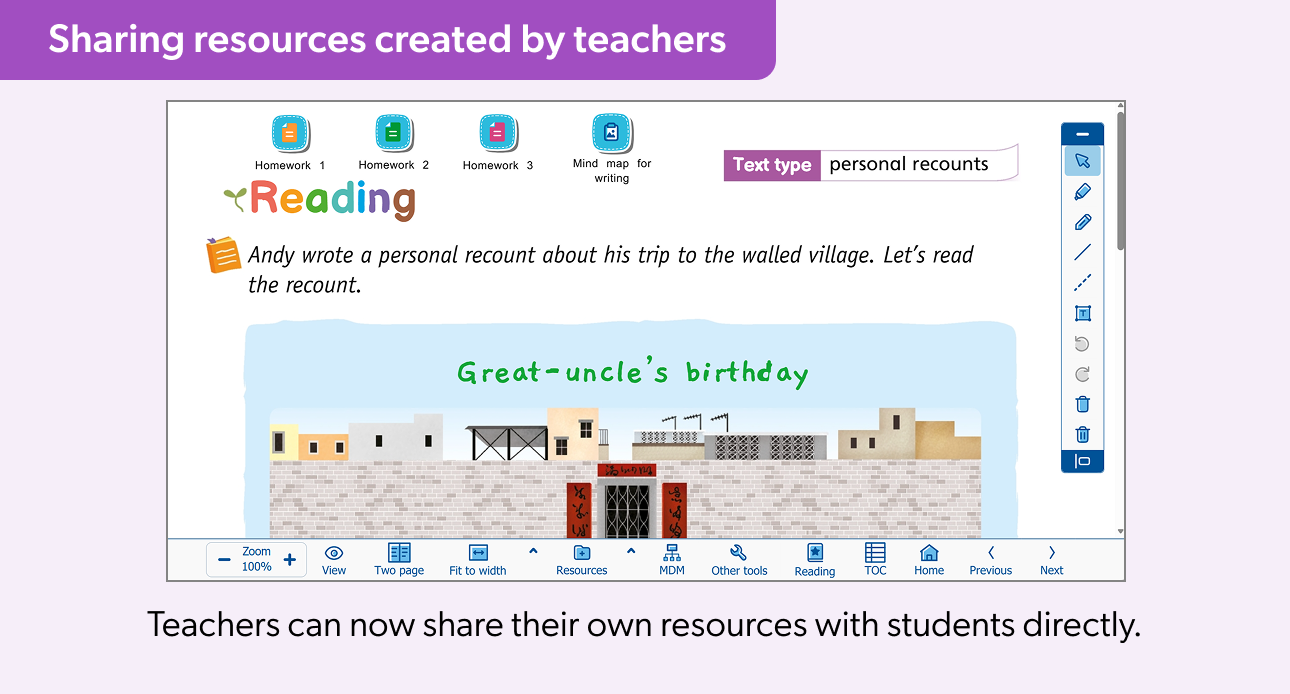
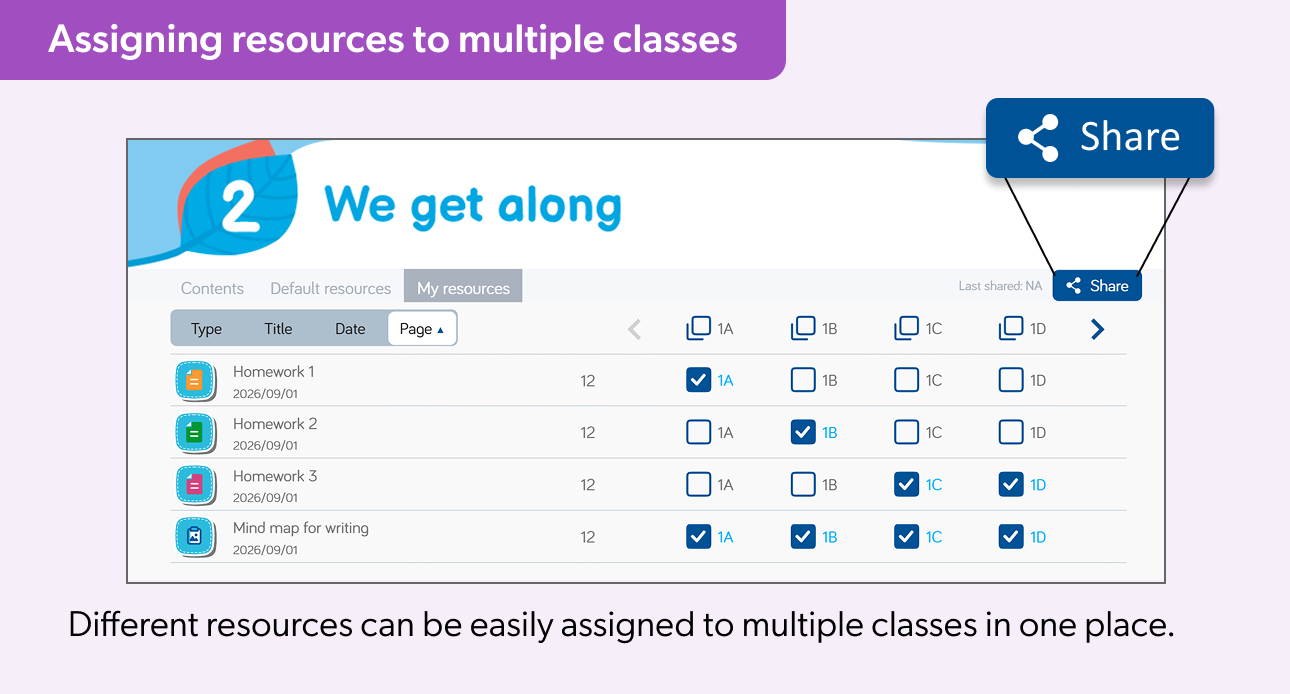
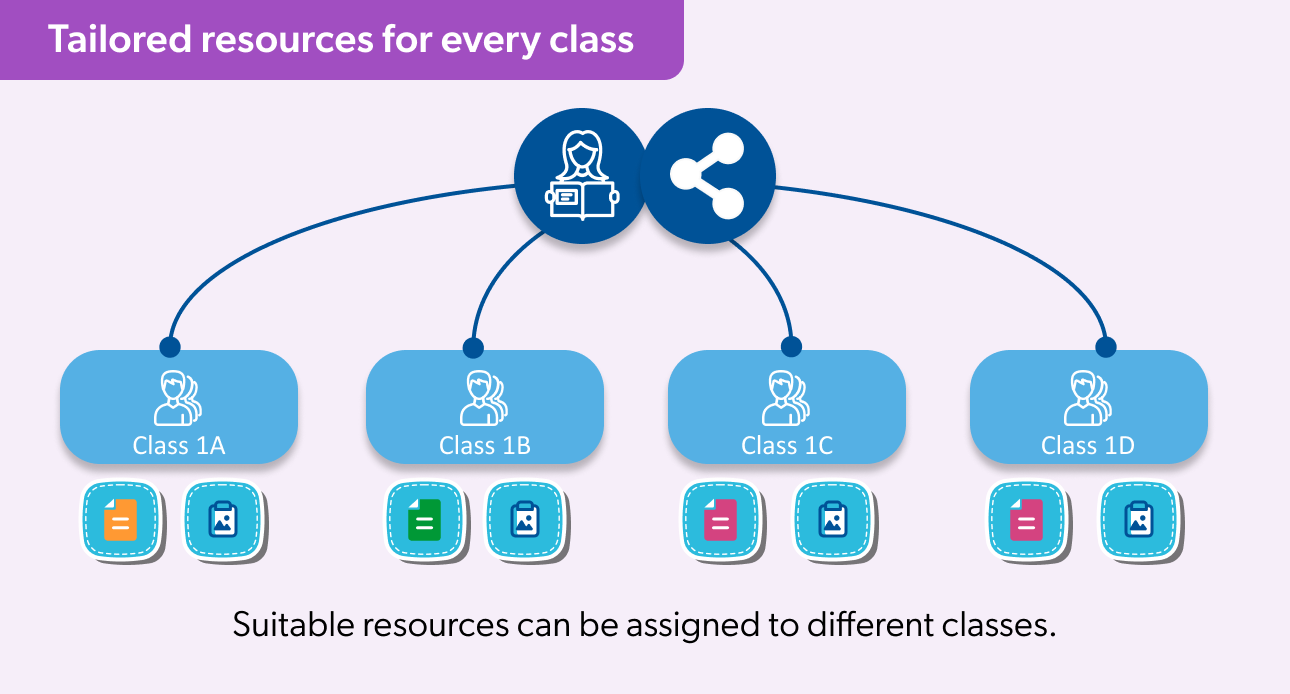
Teachers can now share their own resources directly with different classes quickly and easily.
- Simplifies resource sharing and lesson preparation.
- Enhances teaching and learning by providing students with timely, relevant learning materials.
- Supports better learning outcomes through improved access to tailored resources.
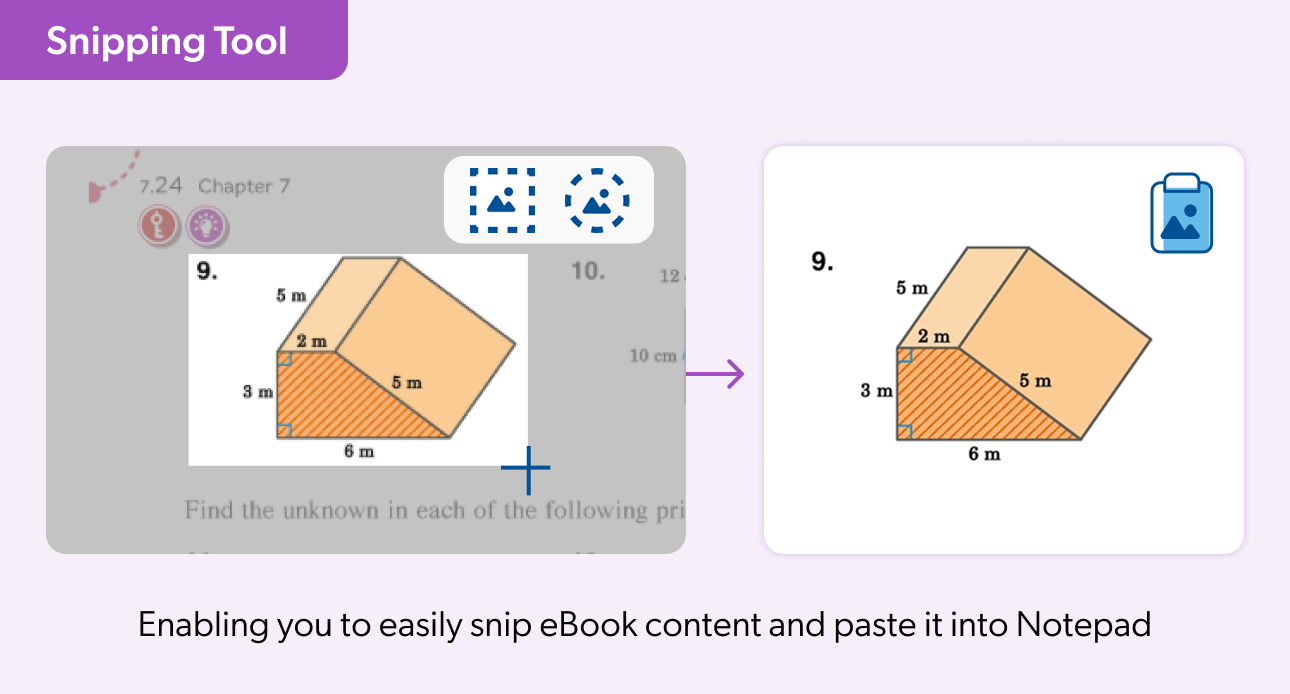
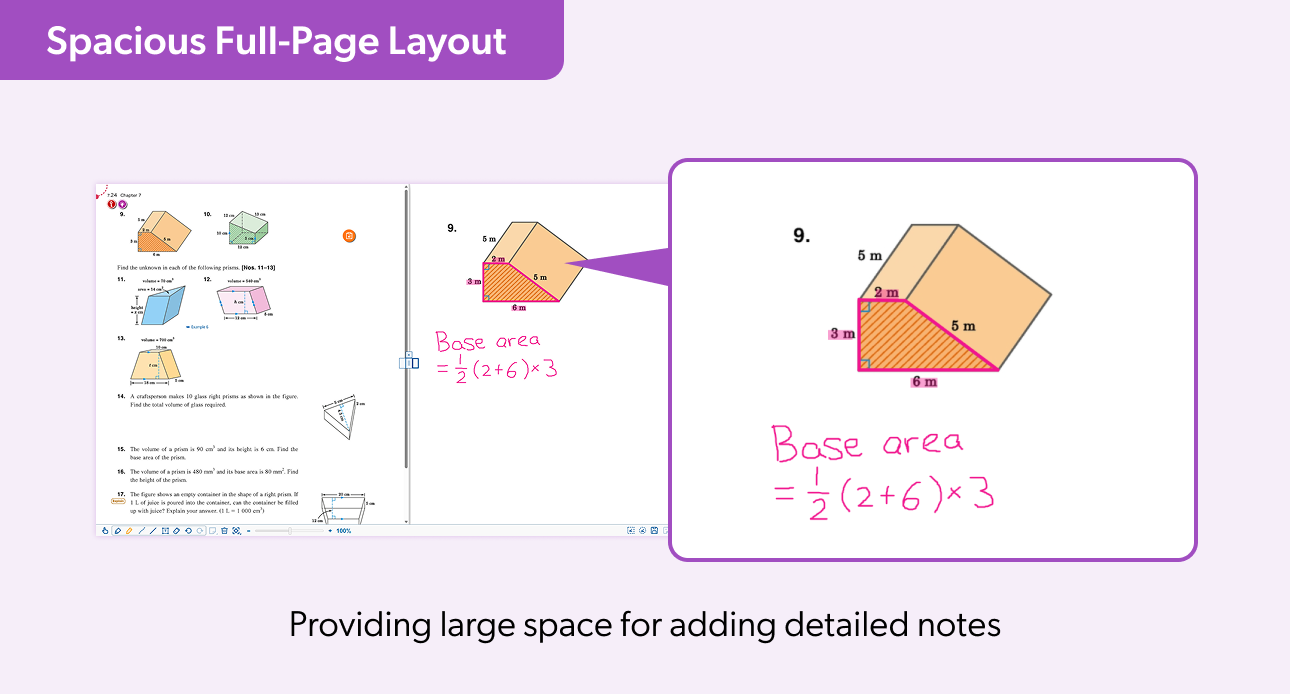
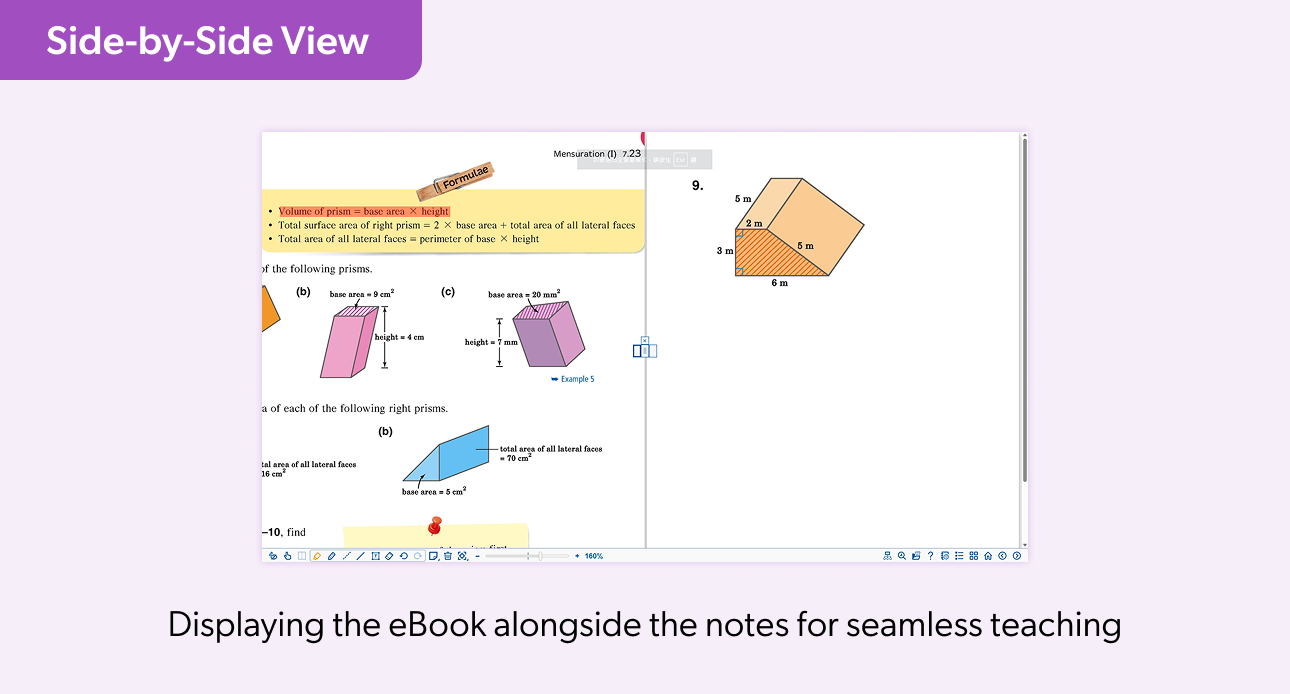
Notepad is now available with handy snipping and marking tools.
- The snipping tools let you quickly capture specific passages, illustrations or important content from eBooks, making it easier to focus on key information.
- The marking tools enable you to take quick notes, draw diagrams and make annotations, making lessons more interactive and engaging.
Introduction
iSolution
What iSolution is—An overview
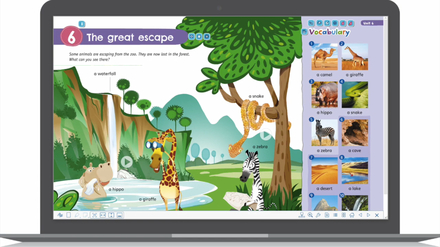

e-Activities
Boost students’ engagement

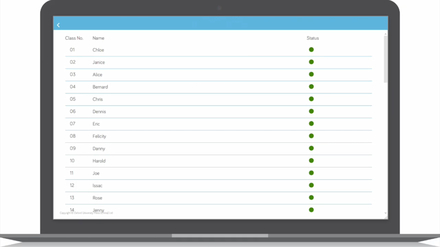
Classroom management tools
Create a productive environment
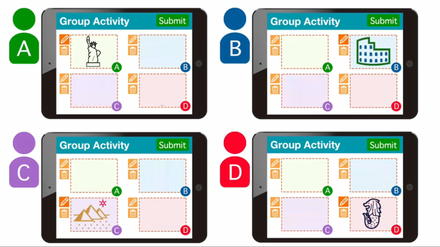
Group activities
Develop communication and teamwork skills






System Requirements
Preferred browsers
- Microsoft Windows :
Edge (version 114 or above)
Chrome (version 114 or above) - Mac OS :
Safari (version 16.4.1 or above)
Chrome (version 114 or above) - iPad OS :
Safari (iOS version 16 or above)
Recommended Internet connection
50 Mbps or higher
Others
Audio recording activities require voice input devices

Operating system
Microsoft Windows 11, version 24H2 or later
Hard disk space
500MB of available hard disk space for installation; additional space required for e-Book download
Recommended Internet connection
50Mbps or higher
Others
Audio recording activities require voice input devices
Download and Installation
- Click ‘Download’ on the right to get Oxford iSolution or search for it in Microsoft Store.
- Launch ‘iSolutionSetup.exe’ and click ‘Run’ to proceed.
- A desktop shortcut will be created after successful installation.


Operating system
Mac OS version 12 (Monterey) or above
Hard disk space
500MB of available hard disk space for installation; additional space required for e-Book download
Recommended Internet connection
50Mbps or higher
Others
Audio recording activities require voice input devices


Operating system
iOS 16 or above
Hard disk space
50MB of available space for app installation; additional space required for e-Book download
Recommended Internet connection
50Mbps or higher
Others
Audio recording activities require voice input devices


Operating system
Android 8.0 or above
Hard disk space
50MB of available space for app installation; additional space required for e-Book download
Recommended Internet connection
50Mbps or higher
Others
Audio recording activities require voice input devices


Technical Support
If you encounter any issues while using the platform or require technical support, please contact us through the following channels.
(Office hours: Mon–Fri / 9 a.m.–5 p.m.)